Cookies & Session Artefacts
Overview
Examine site state in a particular browser profile and relate it cautiously to other activity. Cookie metadata may provide domain, path, lifetime and protection attributes. It is not a record of every request, proof of a successful login or a reliable identification of the person at the keyboard.
Relevant browser artefacts
Locate the actual cookie database in the acquired profile. Chrome layouts can use a Cookies database in a Network subdirectory; Firefox uses cookies.sqlite in supported profiles. Paths and schemas vary. Preserve companions and encryption context where authorised and necessary; the database alone may not make values readable. Treat cookie values as sensitive, even if the viewer can display them.
Session cookies and persistent cookies differ in lifetime. Creation, access and expiry fields are not interchangeable with page-visit times. Sessions, tabs and authentication context can also reside elsewhere; these two utilities are cookie viewers, not complete session reconstruction tools.
Available Browser tools
| Tool | Primary purpose / browser scope | Capabilities and use | Important limitation |
|---|---|---|---|
| ChromeCookiesView | Chrome and documented compatible cookie stores | Inspect attributes and supported encrypted values | Decryption depends on version, privilege and acquired key context; no universal offline guarantee. |
| MZCookiesView | Supported Firefox/Mozilla cookie stores | Review cookies.sqlite or legacy cookies.txt; export selected metadata | Schema support must be checked; cookie presence does not demonstrate authentication. |
Investigation workflow
- Identify: establish browser/profile, actual cookie input, time zone and a specific domain question.
- Preserve: follow common acquisition and working-copy preparation. Collect necessary context through the authorised workflow; do not try logging into a real service with acquired cookies.
- Select: match the viewer and source version. Record unreadable/encrypted values as unavailable rather than empty evidence.
- Examine: retain domain/host, name, path, relevant times and flags exposed by the viewer. Check each field's meaning. Minimise or redact values in reports.
- Export: use a metadata-only selection where supported, or protect a complete export and make a redacted reporting copy. Keep the original export unchanged and document the redaction.
- Correlate: compare relevant history, cache and independent service/endpoint evidence. A shared domain alone does not link records to one action.
- Report: state what the cookie records, its source and limitations. Do not label a future expiry time as a visit or claim a successful login solely from a cookie.
Tool-specific instructions
ChromeCookiesView
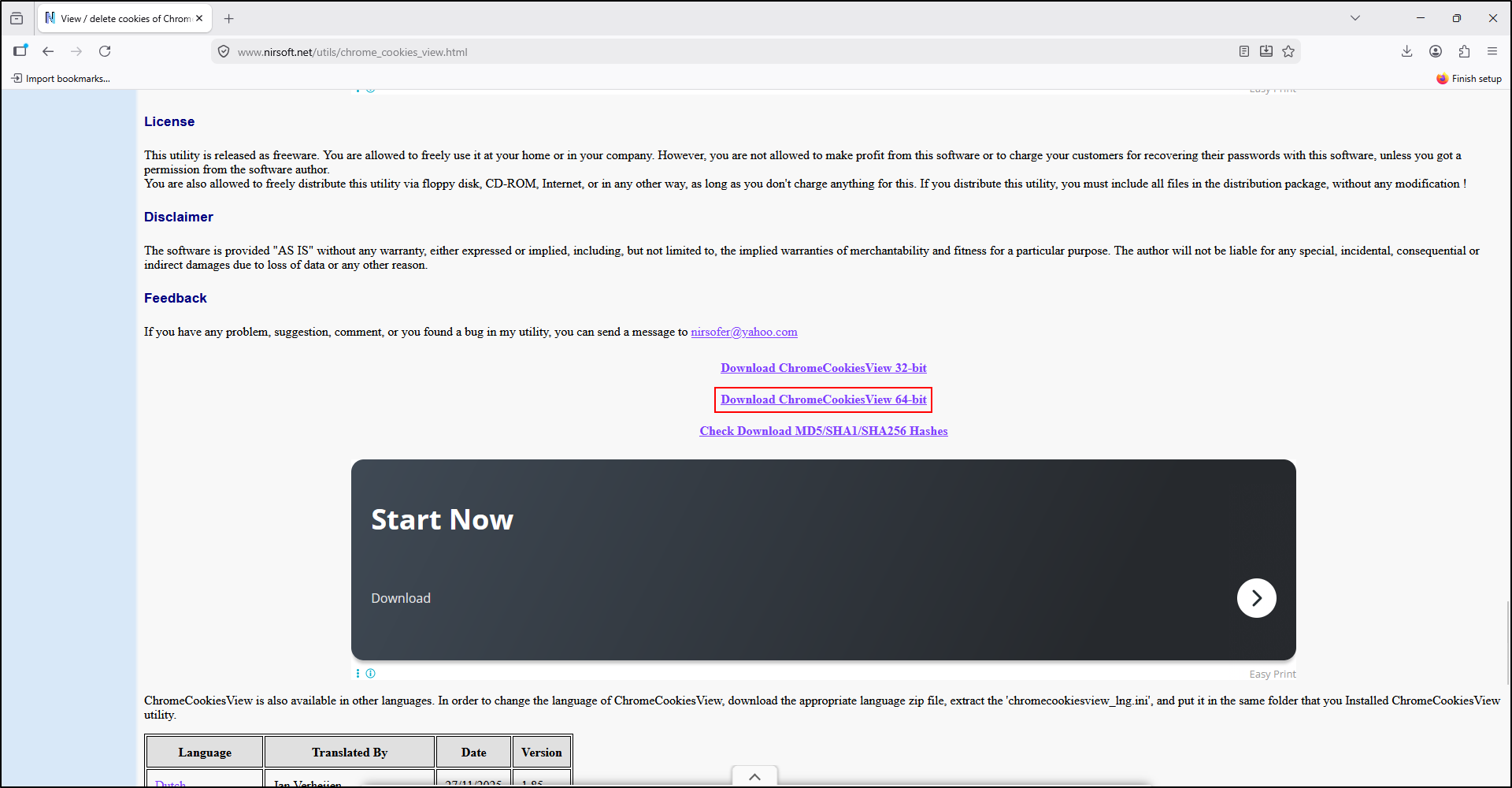
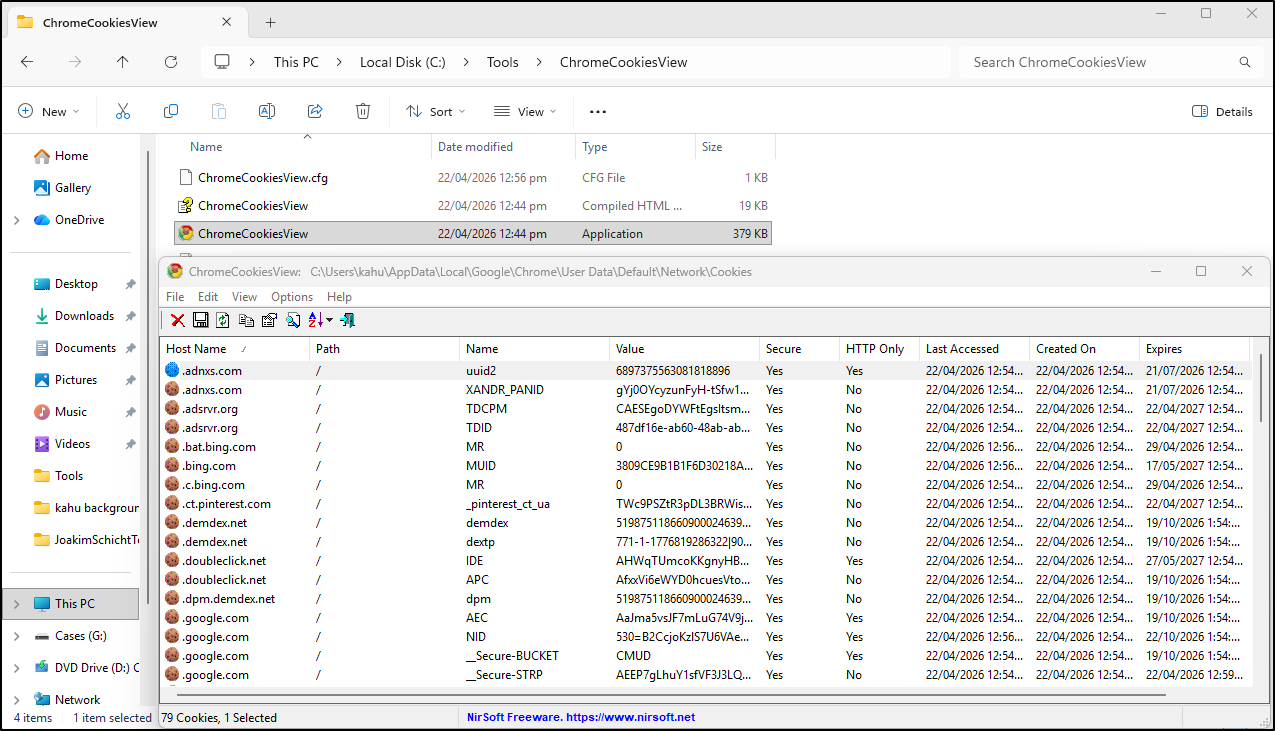
Install the portable tool in C:\Tools\ChromeCookiesView. Use Advanced Options to select the working cookie source; consult the author's external-drive and encryption instructions for the installed version. Documented decryption may require Local State, user/system protection data, registry hives and CNG system keys, depending on encryption generation. Some features require administrator rights; collect only the authorised context needed and retain protection errors.
Export selected items using a supported text/CSV/HTML/XML format. Do not delete cookies or restore them into a browser. A copied supported database can be examined without assuming a locally installed Chrome provides the captured keys.
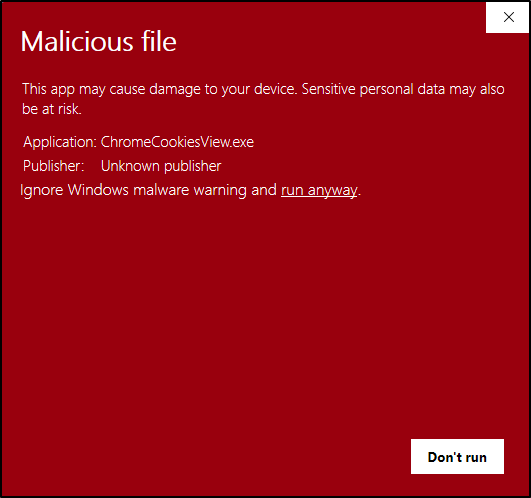
ChromeCookiesView screenshots
The following screenshots show setup and Windows protection dialogs. Verify tool provenance and follow the approved review process before running a flagged utility.
MZCookiesView
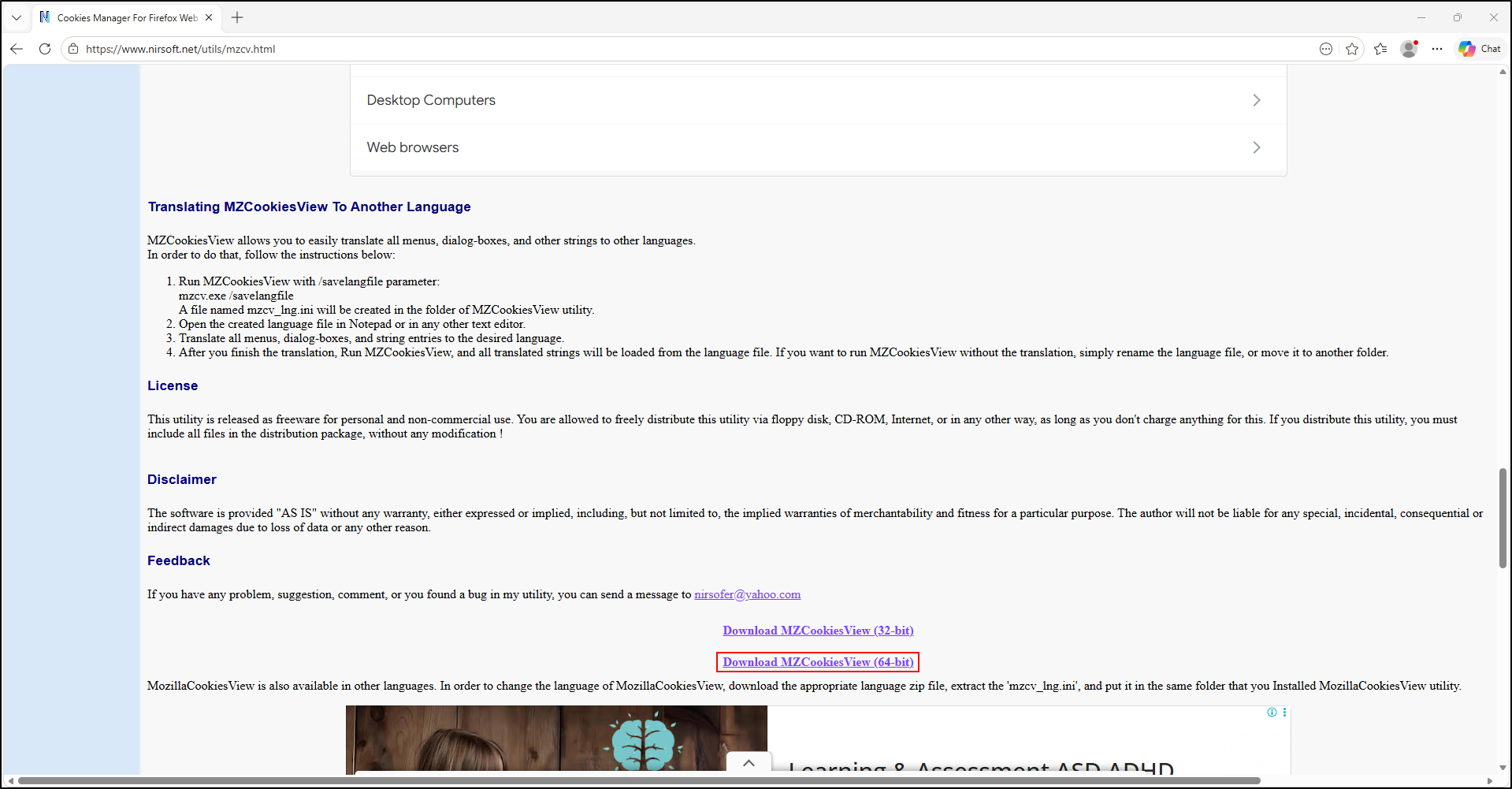
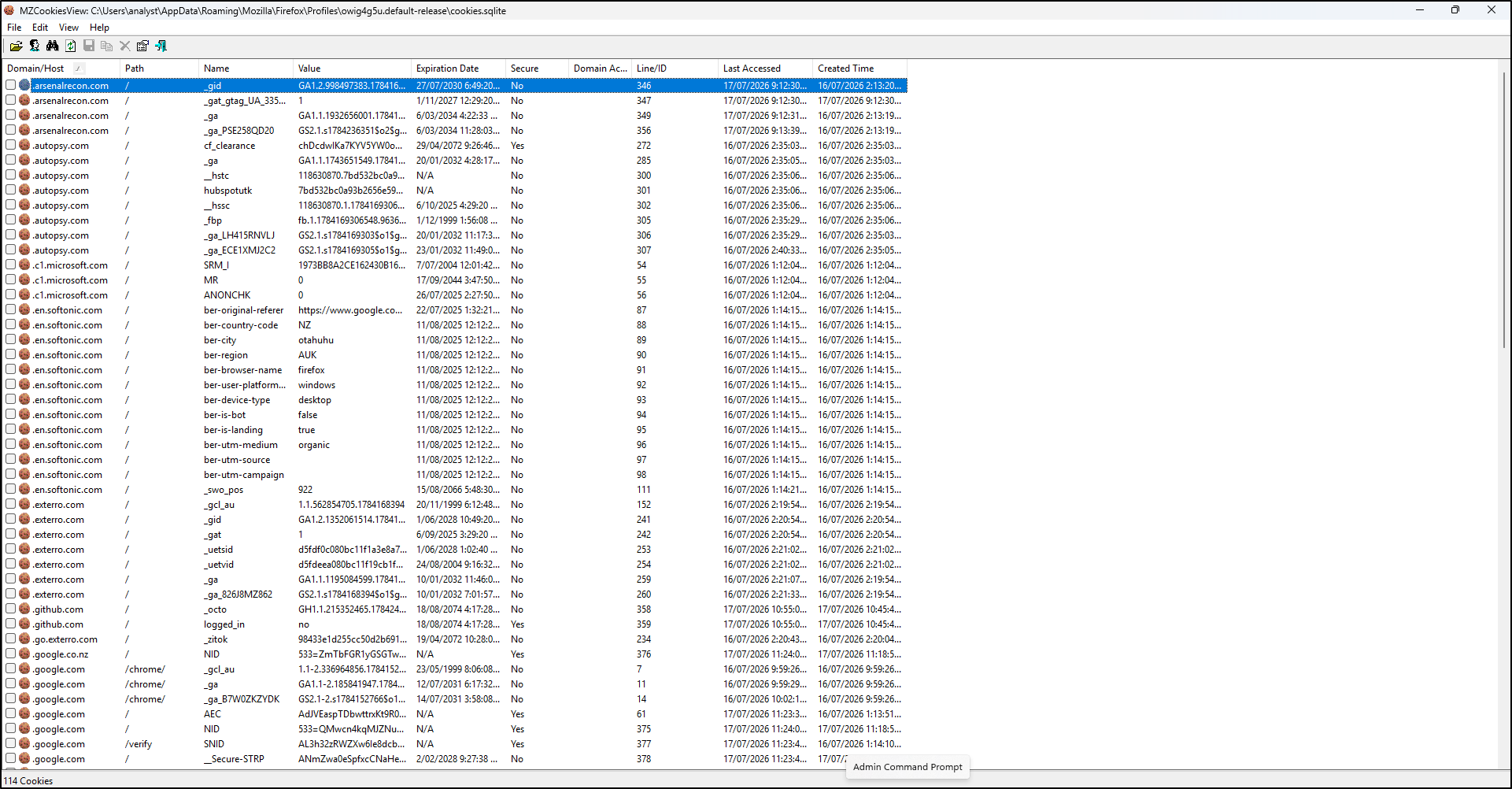
Extract into C:\Tools\MZCookiesView. You can optionally rename mzcv to MZCookiesView. Use Select Cookies File/Folder to choose the copied supported cookie source. Review host/name/path and time fields. Save selected metadata in an offered text, HTML or XML format and record the export type. Avoid delete and backup/restore operations during evidence review.
MZCookiesView screenshots
Record the actual executable name, version and hash regardless of a local rename.