Legacy Tools
Format first / specialist review
Choose by format, not browser name.
Use these utilities when the acquired file format matches their documented scope. They remain part of SUSA's tool documentation. This grouping does not remove an application or certify support for current Safari releases.
Confirm the format first
| Tool | Documented input and purpose | Use when | Boundary |
|---|---|---|---|
| SafariHistoryView | Safari History.plist; history listing/export | A preserved property-list history file matches the parser | Do not assume it reads a modern History.db. |
| SafariCacheView | Safari cache.db; cache listing/object extraction | The acquired database matches the older documented format | No blanket current macOS/iOS compatibility claim. |
Keep the source platform/browser version, user/profile, acquisition method and times. Work on copies and compare a known source record with output before interpreting a whole dataset. Unsupported format means not examined by this tool, not no activity.
SafariHistoryView
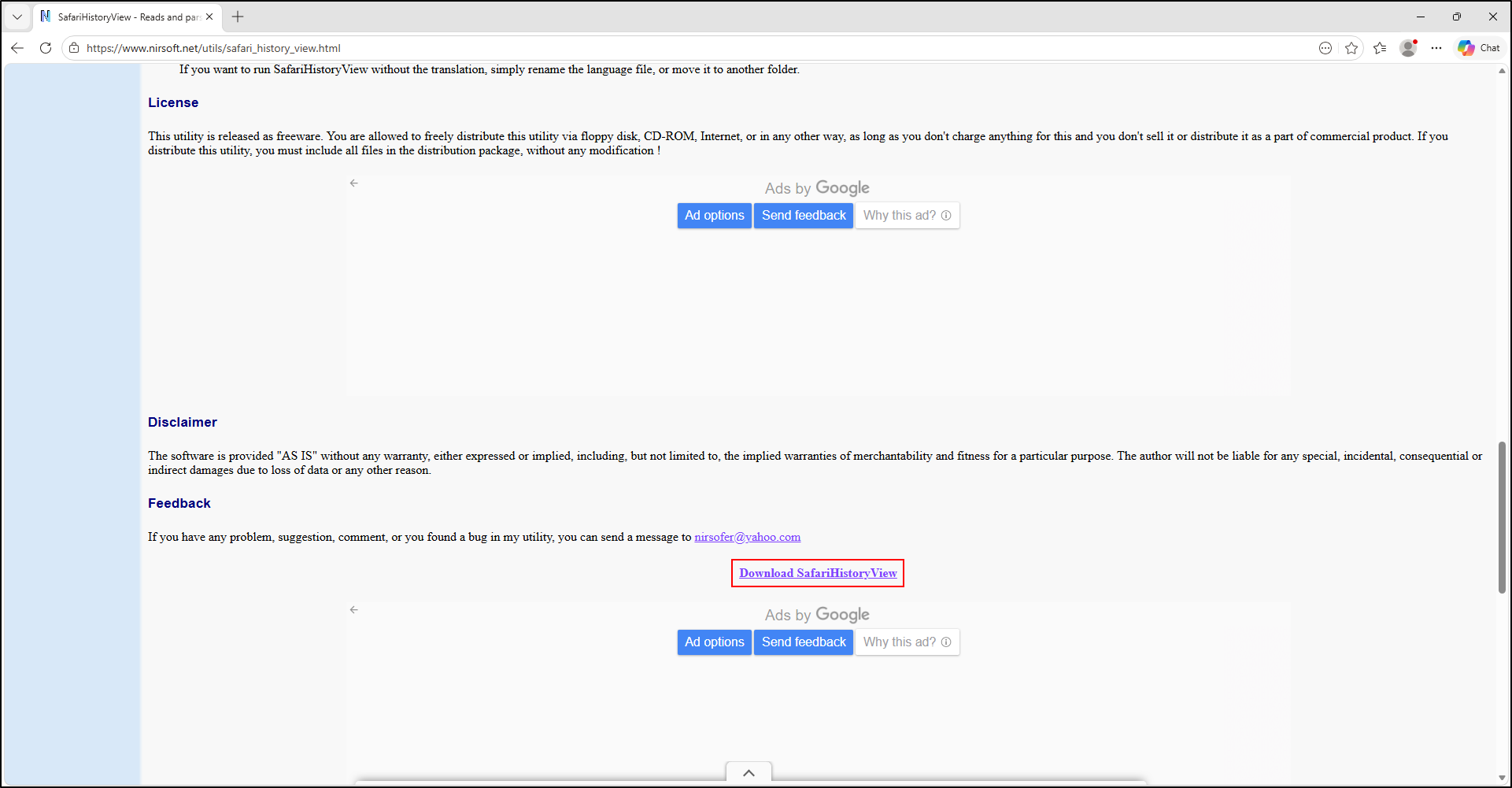
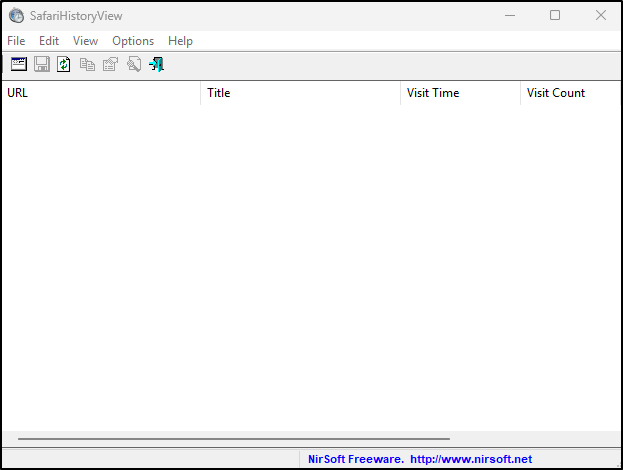
The author documents History.plist. Extract the portable archive into C:\Tools\SafariHistoryView. Use its input-file control to select the working property list, then save the relevant entries and source/time context. Validate important URLs/times against the original plist. If the evidence contains a different Safari database, use a separately validated parser; do not rename it to force recognition.
SafariHistoryView screenshots
SafariCacheView
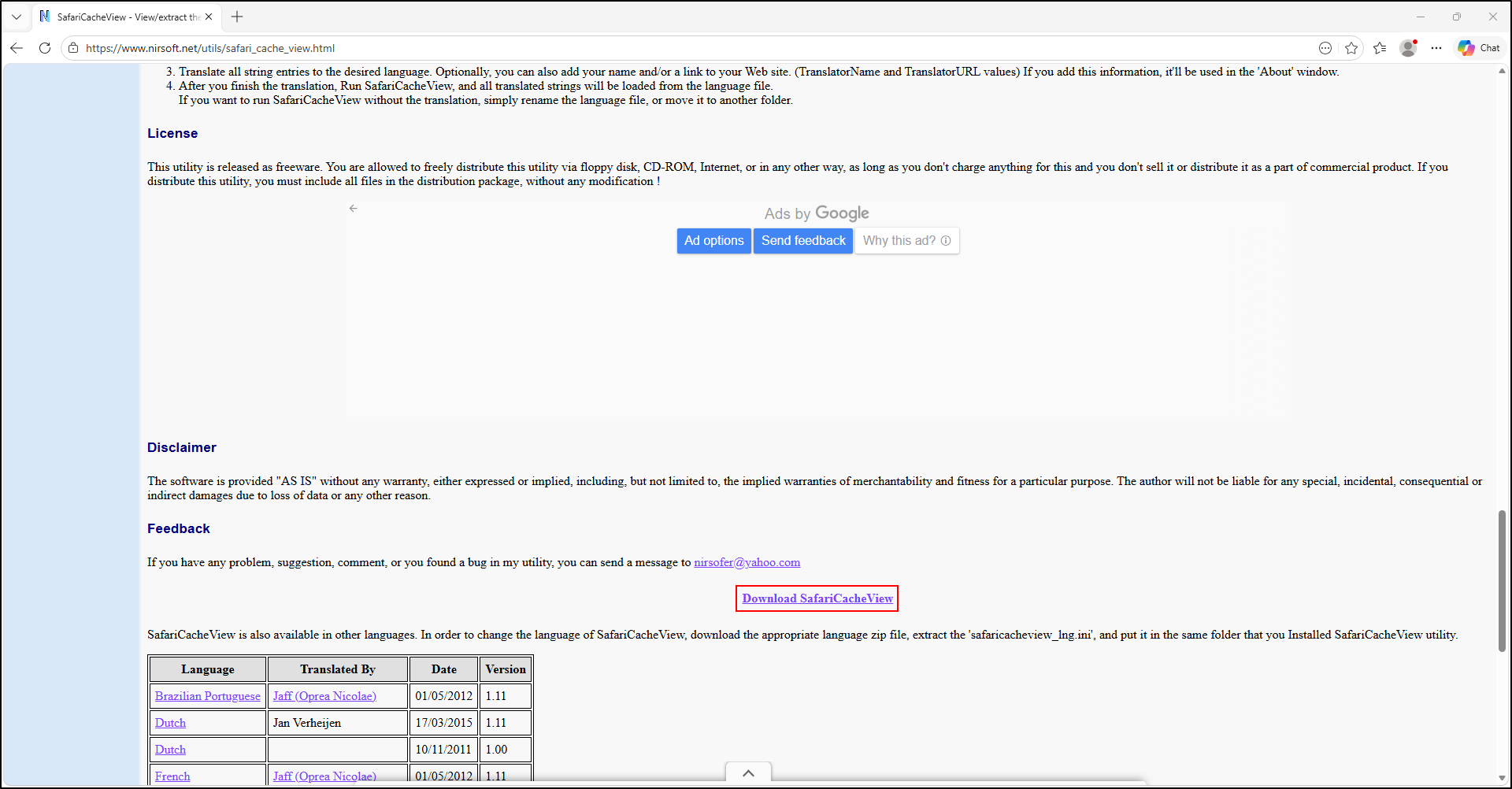
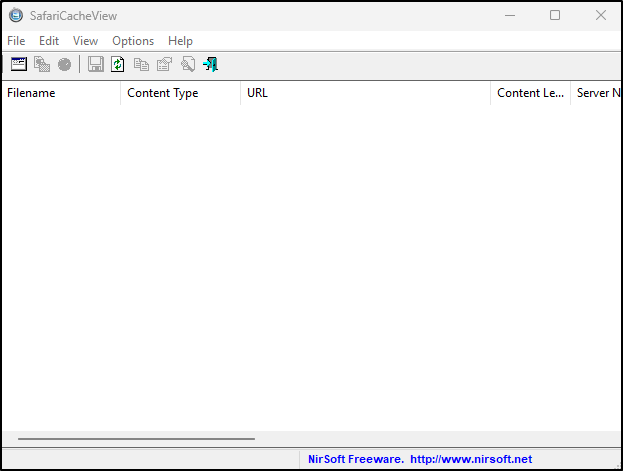
The documented input is cache.db. Extract into C:\Tools\SafariCacheView, then select the working database through Advanced Options (F9) or the documented drag-and-drop input. Export the metadata listing separately from object recovery. Copy Selected Cache Files To (F4) extracts selected resources; record the source-entry-to-output mapping and hash the retained bytes.
Do not install obsolete Safari for Windows to generate evidence. Use an authorised, compatible existing training source. Its acquisition platform does not alone establish parser support. Keep unsupported newer formats for a validated specialist workflow.
SafariCacheView screenshots